
Commercial Wi-Fi Installation Glendale, CA | Business WLAN
Commercial Wi-Fi and wireless networks in Glendale
Dead Wi-Fi zones are the most common complaint we hear from Glendale businesses. The signal is fine near the front desk and gone in the back office.
Book a free Glendale site survey Call (626) 999-4929 Text usWi-Fi & Wireless Networks done right for Glendale businesses
The warehouse scanner drops every time the forklift goes past the racks. The dealership service writer cannot pull up the customer file on a tablet in the drive. The hotel guest on the fourth floor leaves a review about it. Consumer routers and a couple of extenders do not fix any of that, because the problem is design, not signal strength.
We design commercial Wi-Fi from a real site survey: we measure the building, find the concrete walls and metal deck, and place enterprise access points on Cat6 with power over Ethernet where they actually cover. Then we set up separate networks for staff, guests, cameras and point-of-sale, so a visitor's laptop cannot see your file server. You get a network you can manage from a browser and a heat map showing coverage.
Dead zones come from access-point placement and cabling, not from buying a bigger router. We design from a heat map, cable every access point on Cat6A, and set up separate SSIDs and VLANs so guest traffic never touches your point-of-sale or cameras.
What is included
- Predictive and on-site heat-map design so coverage matches the floor plan
- Enterprise Wi-Fi 6 and 6E access points with proper PoE cabling
- Separate networks for staff, guests, cameras and IoT devices
- Outdoor and warehouse wireless for lots, yards and high racks
- Point-to-point wireless links between buildings
- Cloud management with alerts, so you know before users complain
Free site survey in Glendale
We walk the property, count what you need and give you an itemized quote — free, no obligation.
Book itServing all of Glendale
ZIP codes 91201, 91202, 91203, 91204, 91205, 91206, 91207, 91208, 91210, 91214. Nearby: Pasadena, Los Angeles, Santa Monica, Long Beach.
Wi-Fi & Wireless Networks across Glendale
Glendale buildings are hard on Wi-Fi in different ways. Downtown offices on Brand and Central have dense floors with lots of neighbors' networks competing for channels. Tilt-up and concrete warehouses along San Fernando Road and Sonora Avenue block signal between bays, and metal racking makes it worse. Dealerships on South Brand need coverage across an outdoor lot and inside a metal-roofed service building. Hotels around the Americana and along Brand need per-room coverage and a guest portal. Older apartment buildings in Tropico and Citrus Grove with plaster and lath walls need more access points than the floor plan suggests. A survey fixes the guesswork.
Survey, install, document
Survey
We measure the space, walls, interference and device count, and produce a heat map showing where each access point goes. Free.
Install
Access points are cabled, mounted and powered over Ethernet, then tuned for channel and power.
Validate
We walk the floor with a meter and hand you the post-install coverage map.
Wi-Fi & Wireless Networks in Glendale — questions we get
Why is the Wi-Fi so bad in my Glendale warehouse and how do you fix it?
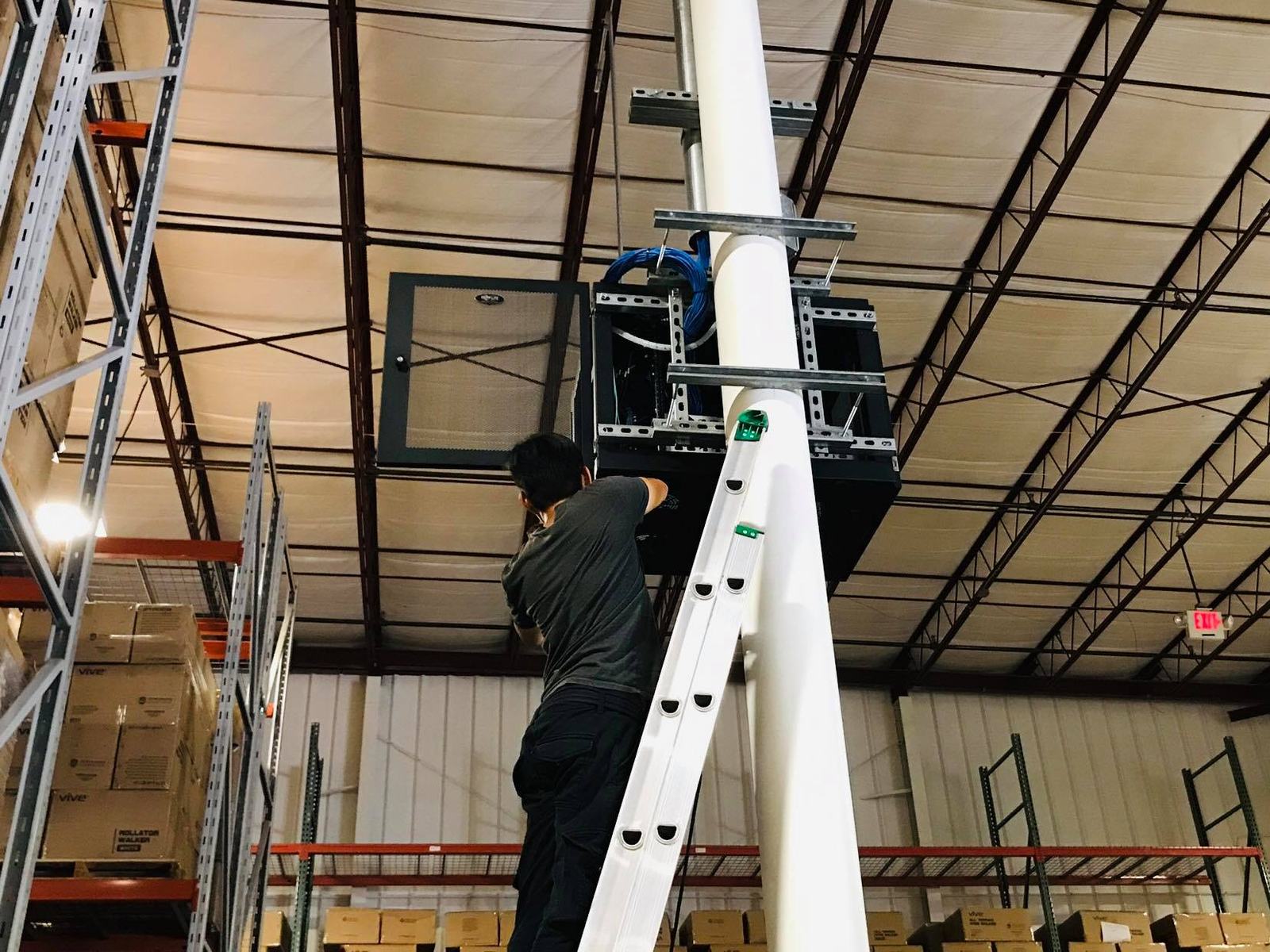
Warehouses along San Fernando Road are usually concrete tilt-up with metal roofs and steel racking, all of which block or bounce signal. A router in the office was never going to reach the back aisles. We survey the building with the racks in place, mount enterprise access points on the deck or columns at the right height, cable them with Cat6 and tune them so scanners roam cleanly. The free site survey shows where the gaps are.
Can you set up guest Wi-Fi for a Glendale hotel or restaurant separately from staff?
Yes. We build separate wireless networks on the same access points: a guest network with a splash page and bandwidth limits, a staff network, and isolated networks for point-of-sale, cameras and door locks. Guests never touch your business systems. For hotels around the Americana and Brand Boulevard we design per-room coverage and handle the front-desk login flow. Restaurants in Montrose and downtown get the same on a smaller scale. Free site survey first.
How many access points does a Glendale office need?
Fewer than people think, in the right spots, or more than people think, in the wrong ones. A 5,000-square-foot open office on Brand Boulevard might need three or four. A same-size suite chopped into private offices with concrete columns might need six. Density matters too: a conference room with forty laptops needs its own access point. We measure it during the free site survey rather than guess from a floor plan.
Why is our office Wi-Fi so slow even with a new router?
One router cannot cover an office through drywall, glass and metal studs. Commercial Wi-Fi uses several ceiling-mounted access points placed from a heat map and cabled back to a switch, so every desk gets a strong signal.
Can you cover a warehouse or an outdoor lot with Wi-Fi?
Yes. Warehouses need access points aimed down aisles and above racking; lots and yards use outdoor-rated units. Both are designed from a site survey.
Do you set up guest Wi-Fi separately from our business network?
Always. Guests get their own network with a captive portal if you want one, isolated from your computers, cameras and point-of-sale.
Other low voltage services in Glendale
Industries we serve in Glendale
Local guide: Security camera laws, permits and placement for Glendale businesses (2026 guide)
Let's walk your Glendale property — on us
Fill out the form and you will hear from us fast — usually the same day. Or skip the typing:
Call or text (626) 999-4929 — we answer.
Text us · Email tech@itech2.co
Have a question first? Read the FAQ or see who does the work.
Main office line: (626) 999-4929 · Licensed & insured · Since 2010